 Vizcraft
The best architectural rendering software depends on the deliverable: Vizcraft fits fast AI floor-plan and room-photo visuals, V-Ray or Corona fits production-grade photorealism, Enscape fits live BIM review, Lumion or Twinmotion fits animation and presentation scenes, and D5 Render fits GPU-based real-time value.
The popular advice, “pick the most realistic renderer,” is incomplete. A client-review image, live BIM walkthrough, polished hero still, exterior animation, and floor-plan explainer all reward different software decisions. This roundup ranks seven tools by the job they perform best, comparing rendering approach, host integrations, hardware requirements, learning curve, asset workflow, and stated pricing or licensing information.
Vizcraft is the fast AI-first option for floor plans and room photos. Desktop renderers remain stronger for editable 3D scenes, complex materials, controlled lighting, and production animation. If you're comparing broader workflows, this guide to the best 3D rendering software for 2026 provides additional context.
Table of Contents
- 1. Vizcraft
- 2. Chaos V-Ray
- 3. Chaos Corona
- 4. Chaos Enscape
- 5. Lumion
- 6. D5 Render
- 7. Twinmotion
- Top 7 Architectural Rendering Software Comparison
- Choose by Workflow, Then Test One Real Project
- Frequently Asked Questions
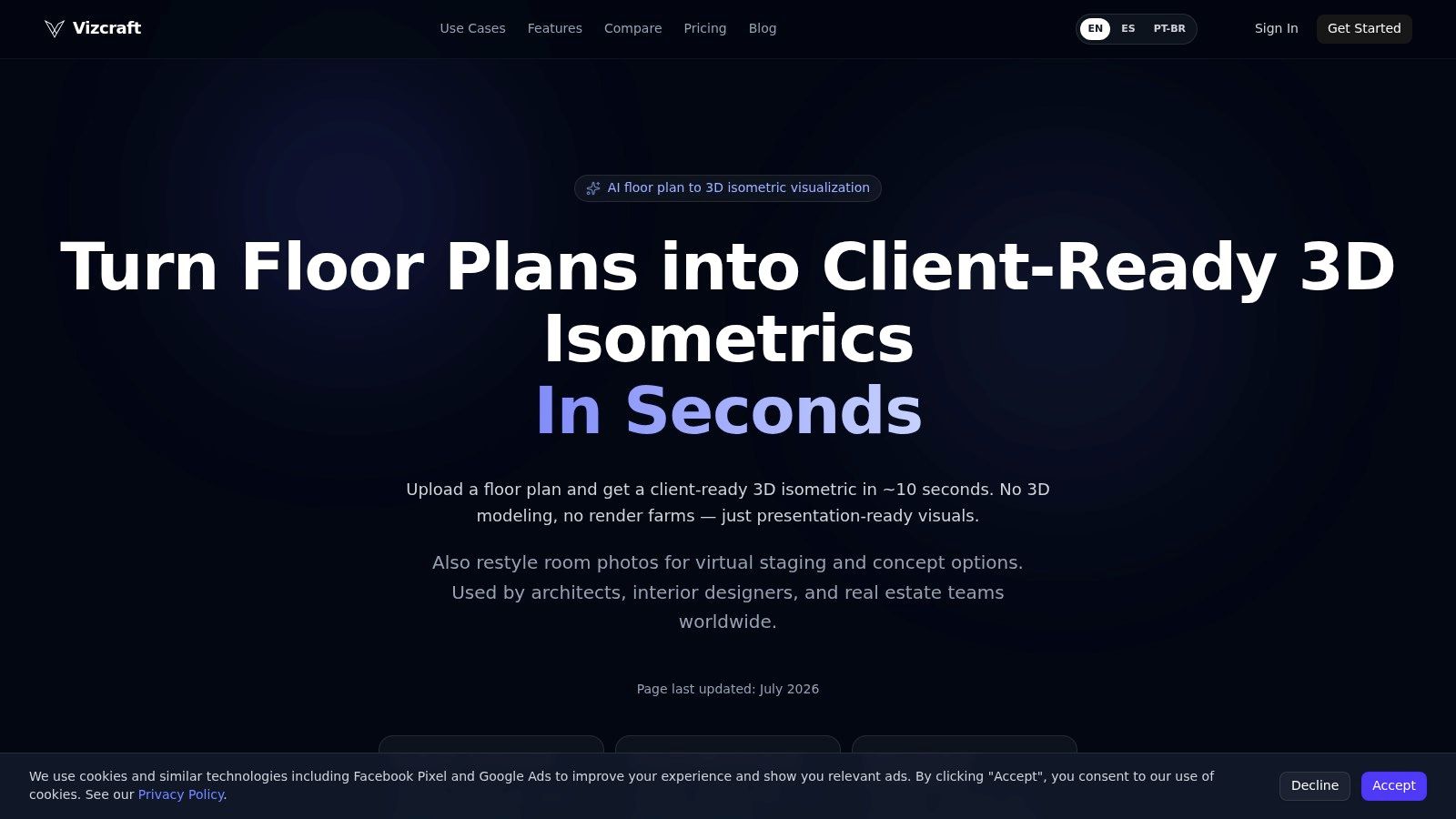
1. Vizcraft
Vizcraft targets a specific bottleneck: turning a 2D floor plan, blueprint, hand sketch, room photo, or exterior photo uploaded as an image into presentation-ready options without building a full 3D scene. Cloud processing removes the need for a local GPU, render farm, installation, or manually assembled model. That makes it practical for architects, interior designers, real estate teams, and construction professionals testing directions before detailed production.
The flagship ISO Mapper converts plans into 3D isometric visualizations. Vizcraft states that the first render takes about 10 seconds in its platform materials. Geometry-aware processing aims to retain walls, openings, proportions, and key fixtures, giving plan-based outputs more structural relevance than a generic image variation. Compare Styles explores room-photo treatments, Virtual Staging creates furnishing concepts for empty rooms, and Interior Design generates boards from floor plans. Always compare generated geometry with the original input.
Practical rule: Choose Vizcraft for “What could this space look like?” Choose a traditional renderer for control over every surface, light source, camera, and animation frame.
Pricing and production fit
Vizcraft lists these plans:
- Starter: $19 per month for 25 renders.
- Pro: $49 per month for 100 renders.
- Studio: $99 per month for 250 renders.
- One-time packs: Available from $7.
- Per-render range: Approximately $0.40 to $0.76, based on the stated plan volumes, according to the Vizcraft platform.
The platform provides 2 free credits on signup with no credit card required. Paid plans include commercial usage rights. A library, generation history, and interfaces in English, Spanish, and Brazilian Portuguese support recurring client work.
The workflow boundary is clear. Vizcraft does not replace V-Ray, Corona, Lumion, Twinmotion, or D5 when a team needs an editable 3D scene or complex animation. It complements them by handling early options, floor-plan communication, virtual staging, and room-photo concepts before detailed scene production begins. For plan-based work, start with ISO Mapper for architectural isometric visuals. It fits fast AI concept iteration, not final cinematic production.
2. Chaos V-Ray
V-Ray is the safest pick for production-grade photorealism, especially when the final image needs precise control over lighting, reflections, materials, camera behavior, and output consistency. It operates as a plugin rather than a standalone modeling environment, with integrations for Revit, SketchUp, Rhino, 3ds Max, Cinema 4D, and Blender listed by Chaos on its product page. That host coverage matters because teams can often render from an existing design or DCC workflow instead of rebuilding the scene in a separate application.
V-Ray supports CPU, GPU, and hybrid rendering modes, which gives technical teams more flexibility when they have mixed workstations or need to scale production. Chaos Cosmos supplies assets and materials, while post-processing tools and Chaos Vantage provide additional options for scene exploration and review. The result is a deep production stack rather than a quick presentation tool.
The trade-off is operator time. V-Ray offers more control than a fast real-time plugin, but that control brings more decisions around sampling, lighting, materials, scene optimization, and output management. It also requires compatible host software, so the total cost isn't limited to the renderer license.
V-Ray makes sense when the image itself is a commercial deliverable, not merely a checkpoint in design development.
For teams trying to reduce local hardware pressure, cloud-based rendering workflows can sit alongside V-Ray rather than replace it. Vizcraft can handle fast floor-plan or room-photo options before the V-Ray scene is ready, while V-Ray remains the stronger choice for hero stills, complex interiors, exteriors, and animation. Visit Chaos V-Ray for current host and licensing details.

3. Chaos Corona
Corona is a strong choice for artists who need natural-looking photoreal stills without the heavier technical setup associated with some production renderers. Its workflow is focused on 3ds Max and Cinema 4D, so its host support is narrower than V-Ray or Enscape. That limitation can be an advantage for a studio that has already standardized on one of those applications and wants a consistent still-image pipeline.
Interactive rendering and LightMix help artists test lighting decisions without rebuilding the entire setup. Scatter and procedural clouds support environment control, while access to the Chaos ecosystem adds assets, Vantage exploration, and Veras AI features. Corona's strongest use case remains interiors and exteriors where lighting quality, material response, and an artist-friendly feedback loop matter more than live BIM navigation.
The hardware decision also differs from GPU-first tools. Corona is primarily CPU-focused, while GPU real-time exploration is handled through the Vantage ecosystem rather than the core Corona workflow. Studios should therefore evaluate existing processor capacity, scene complexity, and expected delivery volume before choosing it.
Where Corona earns its place
Corona is easier to recommend for a dedicated archviz artist than for an architect who needs to review a Revit model live with a client. It rewards users who care about the final still and are willing to work inside 3ds Max or Cinema 4D. It isn't the obvious choice for animation-heavy teams or practices that need broad BIM and CAD integration.
For a deeper comparison of the still-image workflow, see photorealistic rendering software for 2026. Corona's product information is available at Chaos Corona. Vizcraft can supply quick room concepts or floor-plan visuals earlier in the process, then Corona can take over once the team needs a controlled, polished scene.

4. Chaos Enscape
Enscape is the best option for live BIM and CAD review. It runs inside Revit, SketchUp, Rhino, Archicad, and Vectorworks, keeping the design model and visualization connected. When an architect changes a wall, material, opening, or camera position, the team can review the visual impact without exporting the scene to a separate production application.
That live link changes the meeting dynamic. Enscape is useful when a client asks to compare finishes, walk through a layout, inspect a view, or discuss daylight while the design is still moving. Real-time visualization, VR support, cloud collaboration, QR sharing, and an embedded asset library make it accessible to non-specialist presenters. Plans also include AI credits for concept assistance, according to the stated product information.
The compromise is final-frame control. Enscape can produce convincing visuals quickly, but some demanding scenes still benefit from V-Ray or Corona when the output is a premium marketing image requiring detailed lighting and post-production control. Enscape is also a plugin, not a standalone scene editor, so it depends on the host application and the quality of the model entering the workflow.
Meeting test: If your team needs to answer design questions while the model is open, Enscape is usually more valuable than a renderer that produces a better image several hours later.
For Revit-heavy practices, rendering in Revit with a connected workflow is the relevant comparison. Learn more at Chaos Enscape. Vizcraft fills a different role, converting plans and photos into fast client-facing concepts before or beside the BIM review process.
5. Lumion
Lumion is built for exterior context, scenes, animation, and presentation-ready storytelling. Unlike Enscape, it works as a standalone real-time renderer, which gives users a dedicated environment for scene dressing, effects, cameras, animation, and output. Its built-in library of models, materials, nature assets, people, and environmental elements reduces the time needed to populate a site or scene.
That asset depth is the practical reason to choose Lumion. Exterior projects often need trees, planting, terrain, vehicles, people, weather, atmosphere, and movement. Lumion provides a faster path to those elements than a renderer that expects the artist to assemble every asset independently. Animation and video export, 360-degree panoramas, and ray-tracing features on supported GPUs extend it beyond static client images.
The hardware requirement is more demanding than a cloud-first tool. Lumion is Windows-only and places significant pressure on the GPU and VRAM, particularly with large models, dense vegetation, and high-resolution assets. Its subscription cost can also sit above some real-time plugin alternatives, so the decision should include workstation capacity and asset workflow, not just the license.
Best fit for presentation scenes
Lumion suits practices that need polished visuals quickly without building a specialist offline-rendering department. It is especially useful for masterplans, residential exteriors, outdoor proposals, and marketing animations where atmosphere and context carry as much weight as precise material control.
For a broader explanation of GPU-based workflows, see real-time 3D rendering software. Lumion's current product information is available at Lumion. Vizcraft can support the earlier floor-plan and room-photo stage, while Lumion handles the populated exterior or animated presentation scene.

6. D5 Render
D5 Render offers one of the strongest GPU-based real-time value propositions for teams that want fast, visually polished output without moving fully into Unreal Engine. It runs on Windows, uses GPU acceleration with ray-tracing support, and connects to SketchUp, Revit, Rhino, Archicad, 3ds Max, Cinema 4D, Blender, and Vectorworks through Livesync integrations.
D5 offers an asset ecosystem and AI-assisted visualization tools; check the current plan for included assets and features. The Community tier provides a genuine free path, while Pro features add capabilities such as a city generator, VR, and interactive tours. That makes D5 worth testing for small studios, freelancers, and design teams that want to validate the workflow before paying.
The constraint is hardware. D5 requires a ray-tracing-capable GPU, and large scenes remain tied to GPU and VRAM capacity. Windows-only deployment can also complicate mixed-device studios. Commercial usage and some advanced features are gated to paid plans, so teams should verify the current terms before using the Community tier for client delivery.
D5 is a practical middle ground. It generally offers more real-time flexibility than a plugin tied tightly to a BIM application, while keeping the interface and asset workflow more approachable than a full game engine. It isn't the first choice for a carefully composited hero still, but it can cover design review, quick marketing options, and interactive presentations.
For teams assessing AI-assisted architectural workflows, AI rendering for architects shows where Vizcraft can complement D5. Visit D5 Render for current Community and Pro details.

7. Twinmotion
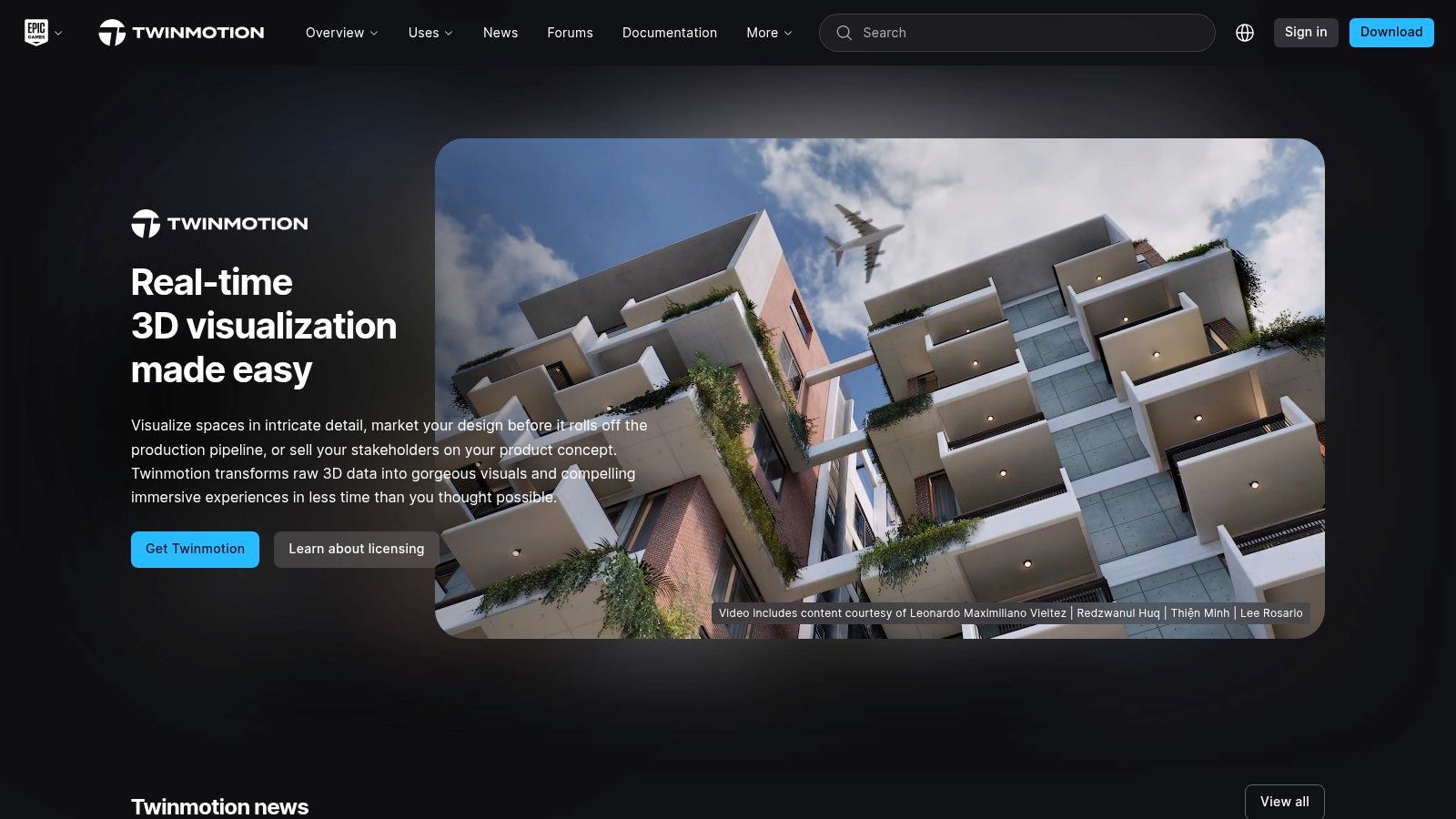
Twinmotion is a strong choice for concept-to-presentation workflows, animation, urban context, and accessible walkthroughs. Built on Unreal Engine, it gives architects a real-time environment without requiring them to build a game-engine pipeline from the ground up. The interface focuses on scene setup, environmental assets, path animation, panoramas, and presentation output.
Built-in vegetation, people, and environment tools help teams communicate scale and context quickly. Twinmotion Cloud supports link-based sharing and web review, while one-click panoramas make it easier to distribute a design beyond the workstation. Those features are useful when the audience includes clients, planners, developers, or stakeholders who won't open a native design file.
Twinmotion gives up some granular control compared with offline renderers. Artists who need exact material behavior, advanced compositing, or production-level control across a demanding animation may still need to round-trip into Unreal Engine or use V-Ray or Corona. That makes Twinmotion more of a presentation layer than a universal replacement for a full visualization pipeline.
Economics for smaller studios
Twinmotion's licensing can be favorable for small studios because it is free for companies under the stated revenue cap, subject to Epic's current terms. Since eligibility and licensing conditions can change, confirm the details directly at Twinmotion before basing a production plan on them.
Twinmotion works particularly well when the deliverable is a walkthrough, panorama, animated path, or context-rich scene. Vizcraft is more efficient for quick floor-plan interpretation and room-photo variations, while Twinmotion is better once the team needs a navigable 3D environment with animation tools.
Top 7 Architectural Rendering Software Comparison
| Tool | Implementation complexity | Resource requirements | Expected outcomes | Ideal use cases | Key advantages |
|---|---|---|---|---|---|
| Vizcraft | Low, web-based, minimal setup and learning | Cloud credits/subscription; no local GPU; browser access | Very fast geometry-aware isometric & room renders; presentation-ready but not cinematic | Rapid client reviews, floor-plan → visuals, quick iterations for small teams | Extremely fast renders (~10s), published credit pricing; review geometry against the source |
| Chaos V-Ray | High, steep learning curve, plugin-based workflows | Host DCC (Revit/3dsMax/Blender/etc.), powerful CPU/GPU or render farm, license | Production-grade photoreal stills & animation with precise lighting control | High-end archviz, cinematic renders, complex materials and animations | Gold-standard realism; deep host integrations; scalable rendering |
| Chaos Corona | Moderate, artist-friendly, forgiving defaults | Host (3ds Max/Cinema4D), CPU-focused workflows (license) | Fast interactive photoreal results with efficient setup; strong interiors/exteriors | Quick photoreal workflows where ease-of-use matters | Fast to learn; strong defaults and interactive feedback |
| Chaos Enscape | Low, simple plugin with live-link to BIM/CAD | Runs inside Revit/SketchUp/Rhino/Archicad/Vectorworks; compatible GPU, license | Real-time visualization and VR for instant walkthroughs; slightly lower final-frame realism | Design-stage iteration, client walkthroughs, BIM presentations | Live BIM link for instant updates; very fast iteration and presentation |
| Lumion | Low–Moderate, standalone, approachable UI | Windows-only, high GPU/VRAM recommended, license/subscription | Polished real-time visuals and robust animation/video exports; great exteriors | Marketing visuals, landscape/exterior renders, animation-heavy projects | Massive native asset library; fast path to polished animations |
| D5 Render | Low, fast learning curve, real-time focused | Windows, ray-tracing capable GPU, free Community tier + paid plans | High-quality real-time renders with bundled AI utilities; quick iterations | Cost-conscious teams needing fast, high-quality visuals and live sync | Free tier available; strong assets and good price/performance |
| Twinmotion | Low, accessible UI, quick scene setup (Unreal-based) | Windows/macOS support, compatible GPU, favorable small-studio licensing | Fast concept-to-presentation visuals, path animation and panoramas; less granular photoreal control | Concept presentations, quick animations, cloud sharing and web review | Easy animation tools, one-click panoramas, cloud sharing and favorable licensing |
Choose by Workflow, Then Test One Real Project
There isn't one universal winner. Teams often combine tools to handle concept review, detailed scene production, and final delivery.
For background on the industry, see Technavio's architectural rendering market research and Archinect's history of architectural visualization. Market forecasts are not a substitute for testing the tools on your own projects.
The most useful test isn't a vendor demo. Take one representative project and run it through the required file format, scene scale, client-review process, export needs, available hardware, and commercial-use constraints. A Revit office should test a real Revit model. A visualization studio should test its actual material library and camera workflow. A small interior practice should test how quickly a designer can produce and revise a client option without specialist help.
Frequently Asked Questions
What is the best architectural rendering software?
The best option depends on the deliverable. Choose Vizcraft for fast AI floor-plan and room-photo visuals, V-Ray or Corona for production photorealism, Enscape for live BIM review, Lumion or Twinmotion for animation and presentation scenes, and D5 Render for GPU-based real-time work.
Which option is best for beginners?
Enscape, Twinmotion, and D5 Render are the most approachable choices for users who need visual feedback quickly. Vizcraft is simpler for floor plans and room photos because it doesn't require 3D scene setup or local GPU hardware. Traditional tools become more demanding as users take on scene organization, materials, lighting, asset management, and animation.
Which software is best for photorealistic architecture?
V-Ray and Corona are the strongest choices in this list for controlled, production-grade photorealistic stills. V-Ray offers broader host support and CPU, GPU, or hybrid modes, while Corona focuses on an artist-friendly workflow inside 3ds Max and Cinema 4D. D5, Lumion, Enscape, and Twinmotion can produce convincing presentation visuals, but they prioritize speed and interaction over maximum final-frame control.
Can AI rendering software replace a desktop renderer?
AI rendering software can replace some early concept, floor-plan, room-photo, and virtual-staging tasks, but it doesn't fully replace a desktop renderer for editable 3D scenes, complex animations, controlled materials, or high-end hero imagery. The most practical setup is hybrid. Use Vizcraft to generate rapid options and client-review visuals, then move approved directions into V-Ray, Corona, Enscape, Lumion, Twinmotion, or D5 when the project requires their specific strengths.
For floor-plan work, test ISO Mapper with a representative plan. Compare current plans at Vizcraft pricing, then try it with 2 free credits, no card required.
Vizcraft gives architects, designers, real estate teams, and construction professionals a fast way to turn floor plans and room photos into client-ready visuals without local GPUs or a full 3D scene setup. Visit Vizcraft to test rapid concept iteration alongside the renderer your team already uses.